Image editing
AI portraits and headshots: choose a style and keep your likeness
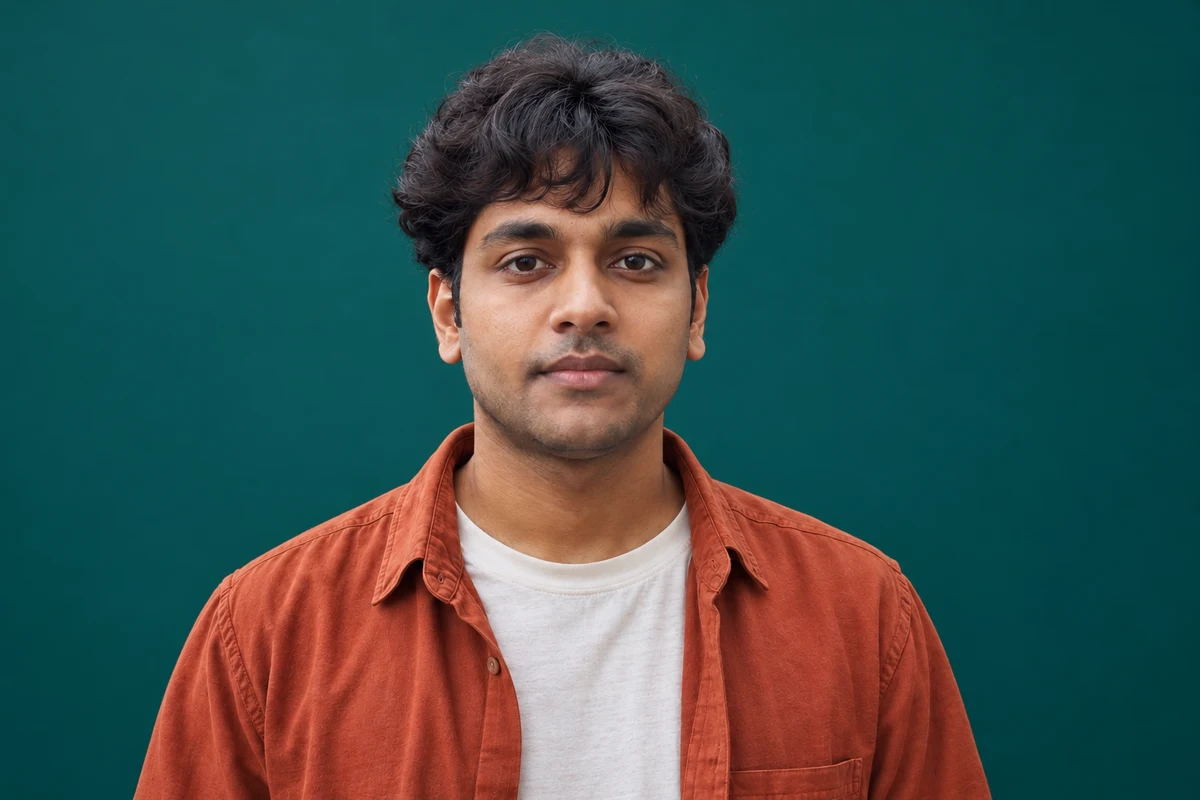
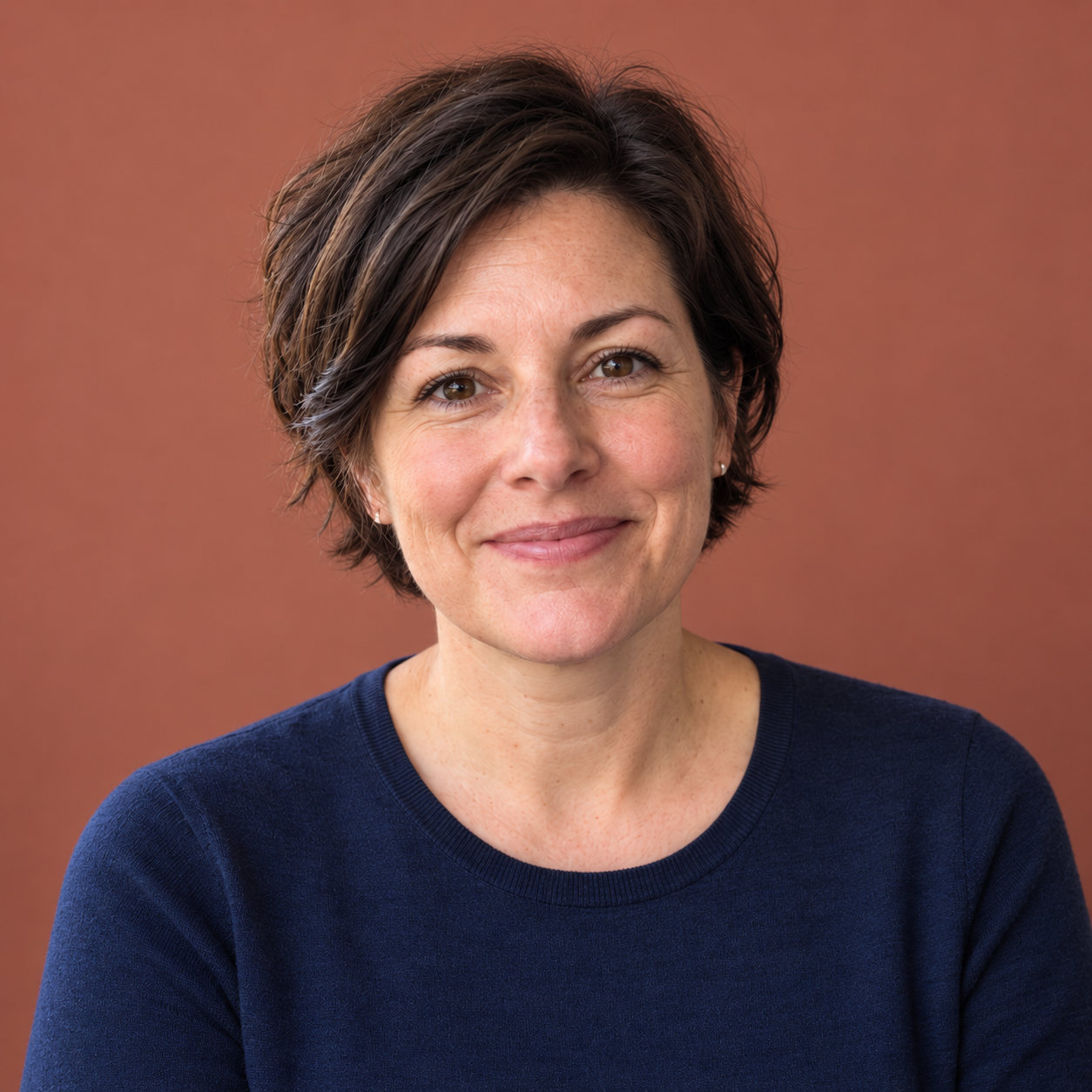
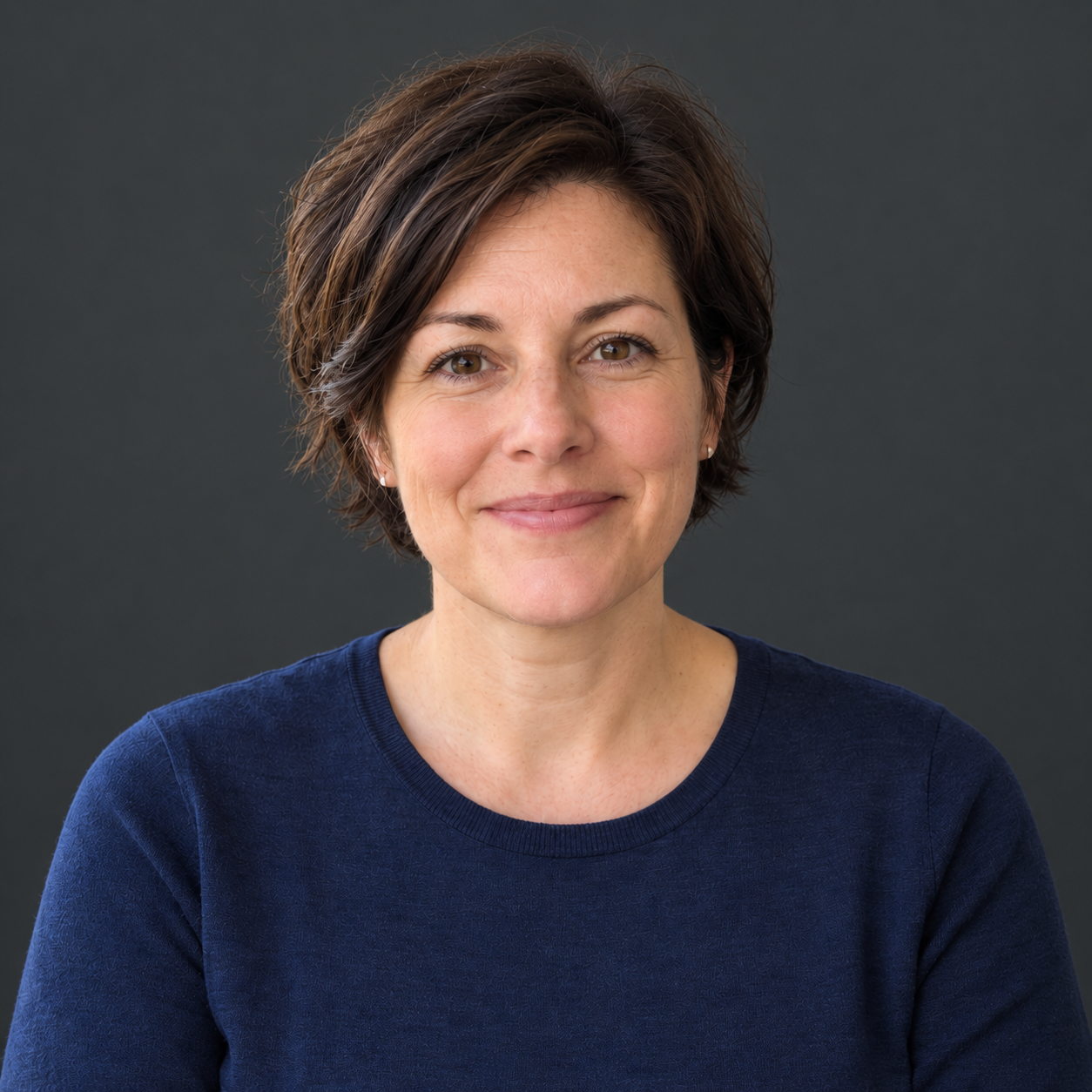
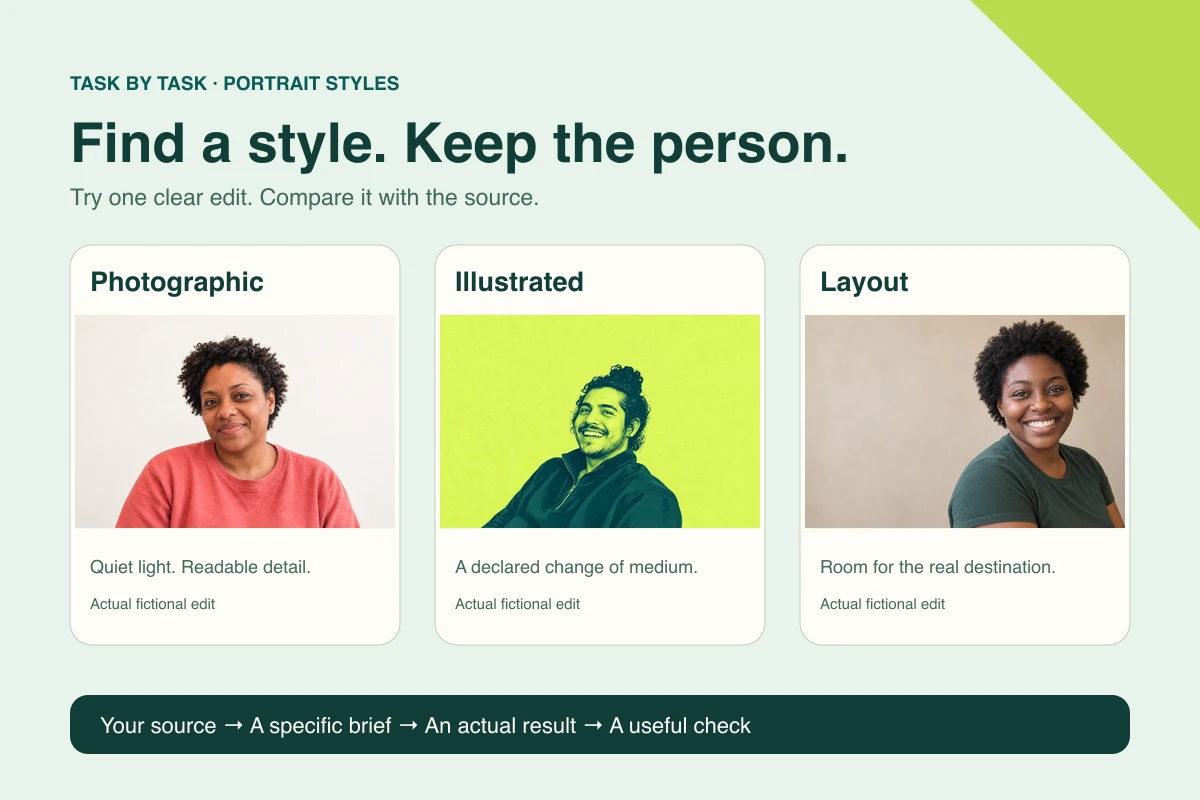
Start from your photo and where it will be used, pick one portrait route, brief one candidate and check that the person survived it.
Practical AI guides
Headshot and portrait edits that still look like the person.
36 articlesStart from your photo and where it will be used, pick one portrait route, brief one candidate and check that the person survived it.
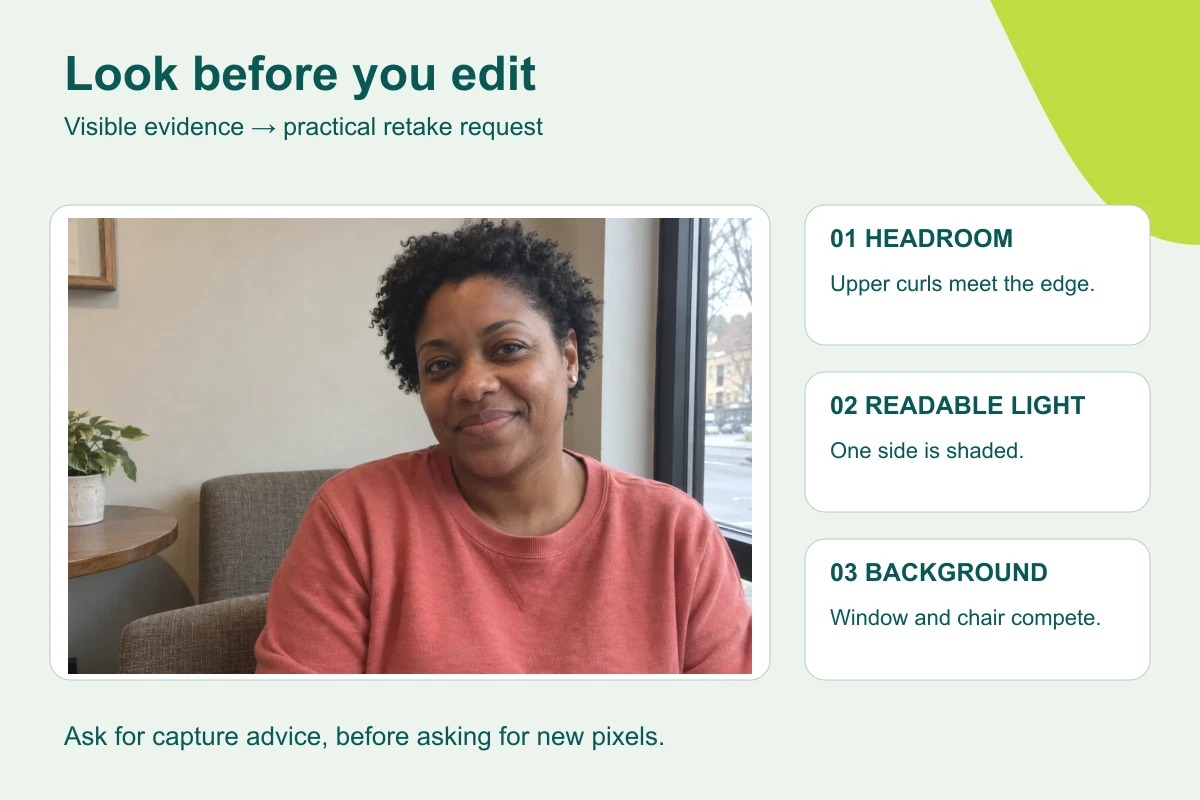
Have AI inspect a photo for visible problems, turn them into a three-step retake plan, and take a better original before you think about editing.
Use AI to assemble one review record per person, with appearance approval, brand treatment and permission to use kept as three separate decisions.
Save one portrait-editing brief in a ChatGPT project or Gemini Gem, attach a fresh photo for each person, and test it before your team relies on it.
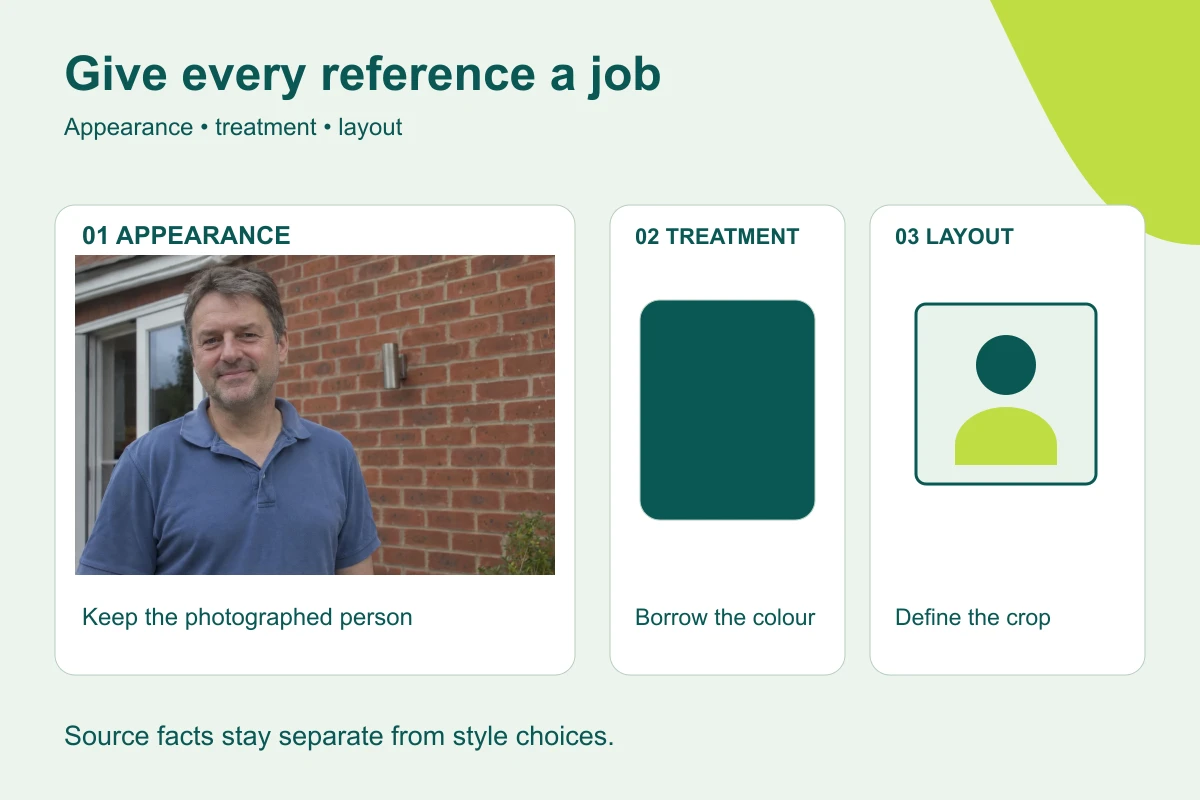
Label the person, visual treatment and framing references so an image editor knows what to keep and what to change.
Remove a photo's background with PowerPoint or your usual editor, save a real transparent PNG, then check it on a dark slide and against the original face.
Convert a photo to black and white the simple way first, use an AI edit only when the photo needs more, and check the eyes, hair and clothing keep their detail.
Ask an image editor for background space around the person, not a new pose, then test real editable text on desktop and mobile.
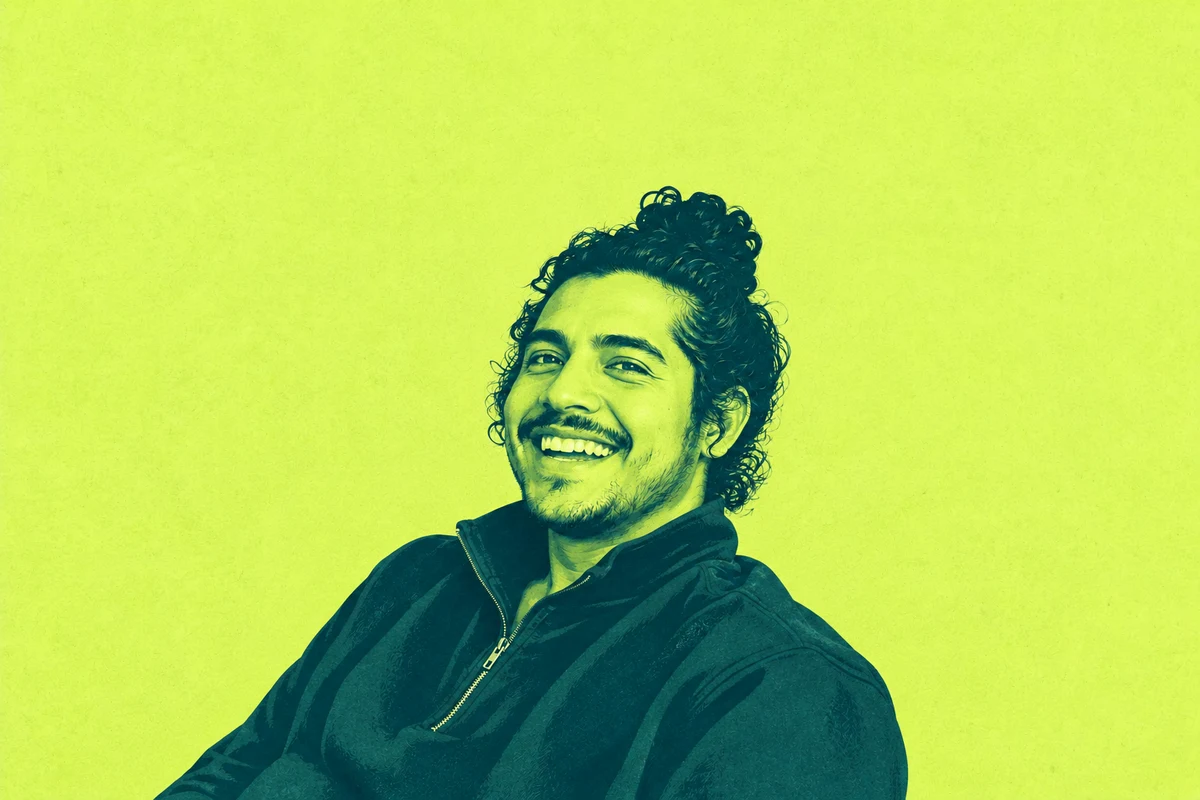
Brief AI for a two-colour graphic portrait, keep the person's features readable, and fix a cramped crop without asking for a whole new style.
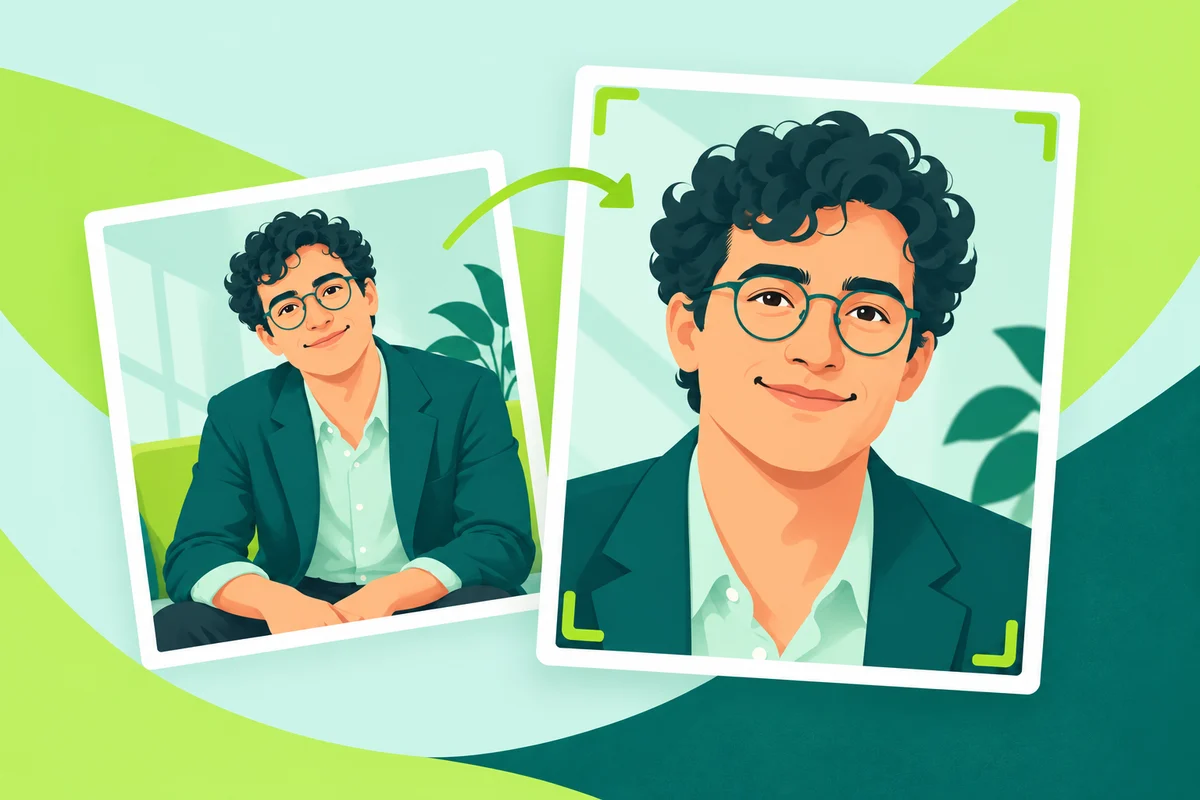
Make a landscape website portrait by asking for more background, not a new body, and check the headroom and crop in your real page.
Tell the editor which clothes and accessories stay, check the neckline, layers and jewellery, and repair one change without asking for a new outfit.
Ask AI to compare the glasses in the original and the edit before repairing anything, check lenses, bridge, stems and glare yourself, then fix one fault.
Ask for better light without a beauty filter, compare forehead, under-eye and cheek detail with the original, and repair smoothing or invented sharpness.
Sort what's wrong with an edited portrait into file, crop, edge, appearance or missing detail, then pick a narrow fix, an ordinary tool or a restart from the original.
Brief leadership lighting and a quiet setting from an everyday photo, keep the person's real clothes by default, and check the face before anything else.
Turn an ordinary photo into a studio-style headshot: brief the light and framing, check the person before the background, and fix only what missed the brief.
Lay out candidates from one photo and one destination, change only one thing between them, and label each one so the choice is about the treatment, not the person.
Brief an image editor for a text-safe composition, keep the words editable and test the real heading and crop instead of trusting requested empty space.
Brief a warm studio treatment from an everyday photo while keeping the person's expression, outfit and natural facial detail.
Use an everyday photograph to make a restrained website portrait, describe a useful setting and check what the background appears to claim.
Export your chosen headshot with ordinary tools, then check the file's real type, pixel size and bytes, and the circle crop, before you upload.
Ask the publication what it needs, make a neutral portrait from an everyday photo, check the real file yourself and send it with a short factual handoff note.
Tell the editor to keep the hairline, curls and outline exactly as photographed, check the edge against the new background and repair only what changed.
Check a finished headshot at real avatar size, describe what the circle cuts off and fix it with a crop, not a new face.
Name the visible features that must stay, compare them region by region and repair the one that drifted, without asking AI to guess an age.
Use a dark background and controlled light, keep both eyes readable, and check the light direction and clothing against your original.
Say which side the light comes from, how dark the shadow may get and what must stay the same, then check the face, the shadow side and the skin colour.
Improve an informal photo with soft outdoor light and a quiet backdrop, then check the edges, colour and headroom against the original.
Add film-inspired grain to a portrait you're already happy with in your own editor, and keep AI regeneration for when the background or framing also needs work.
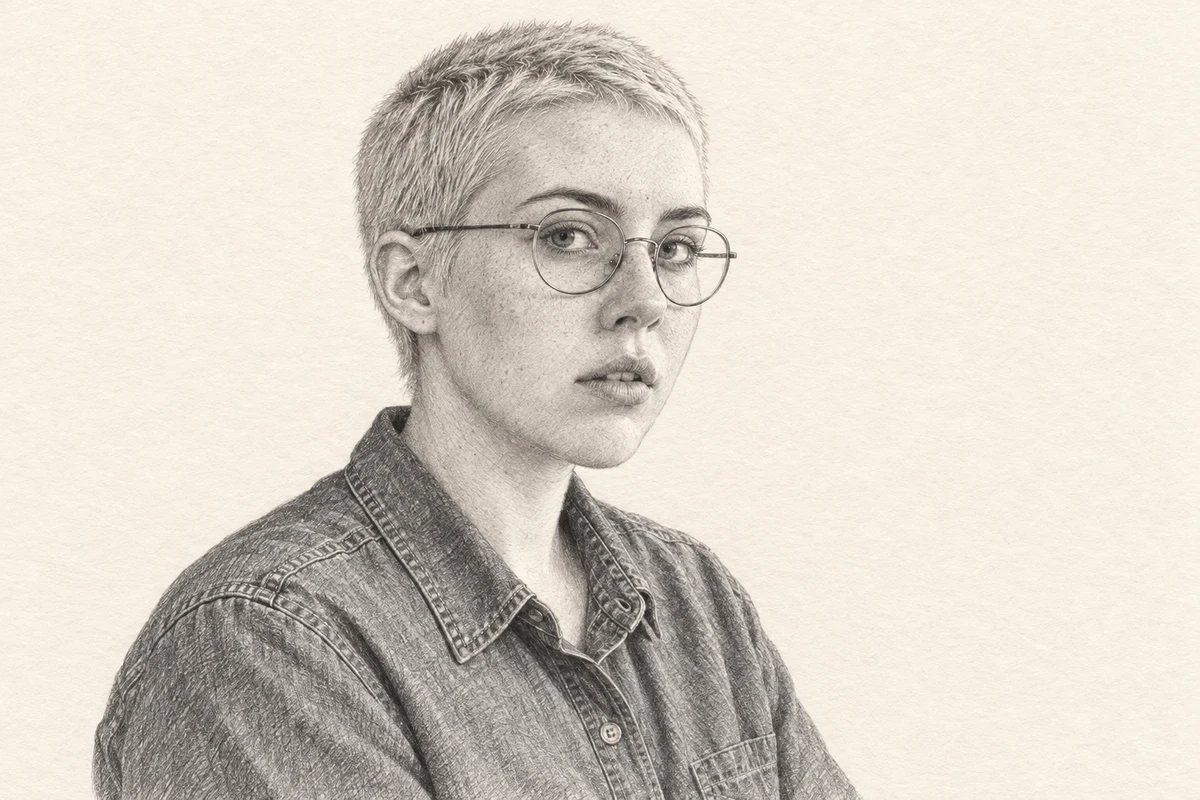
Ask for a pencil or watercolour treatment that changes the medium, not the person, then check glasses, hair, clothing and crop against the original.
Give AI a scoped colour reference, compare the face with the original and learn when an exact background needs a fill you set yourself.
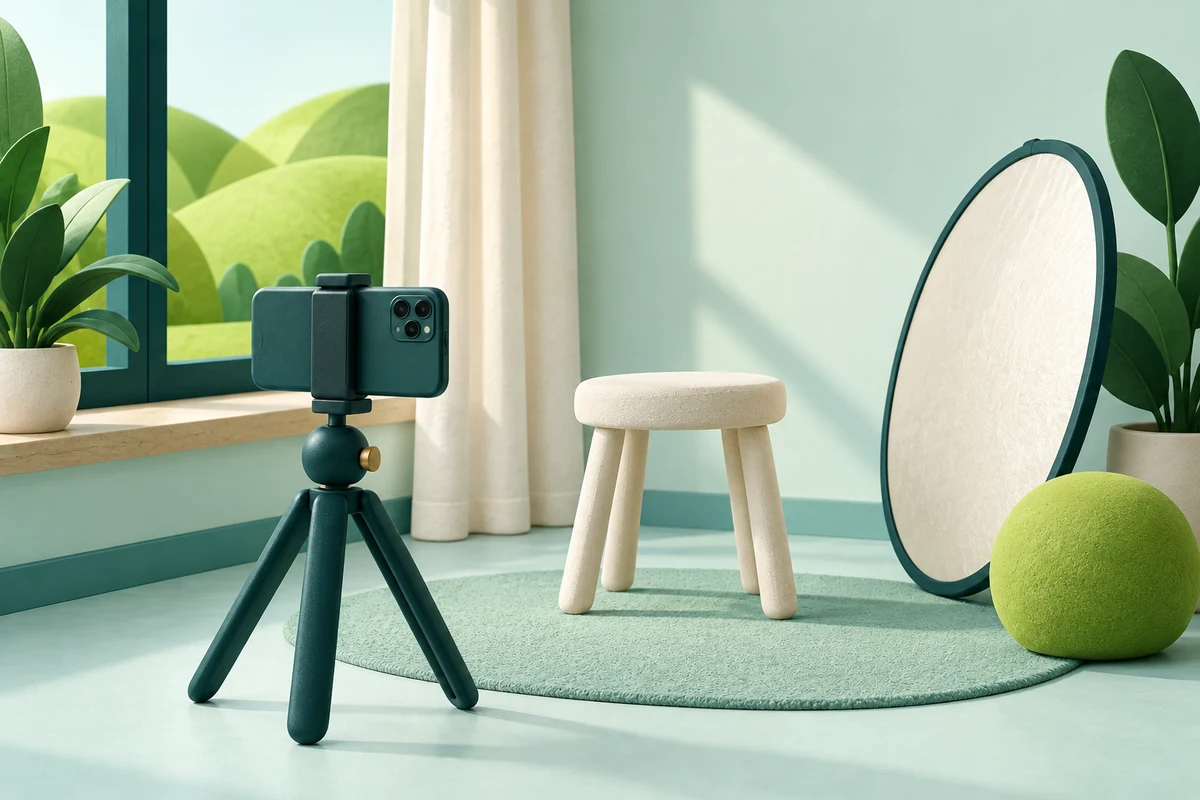
Turn the phone, light, help and space you have into a short photo plan with checks, before any image editing.
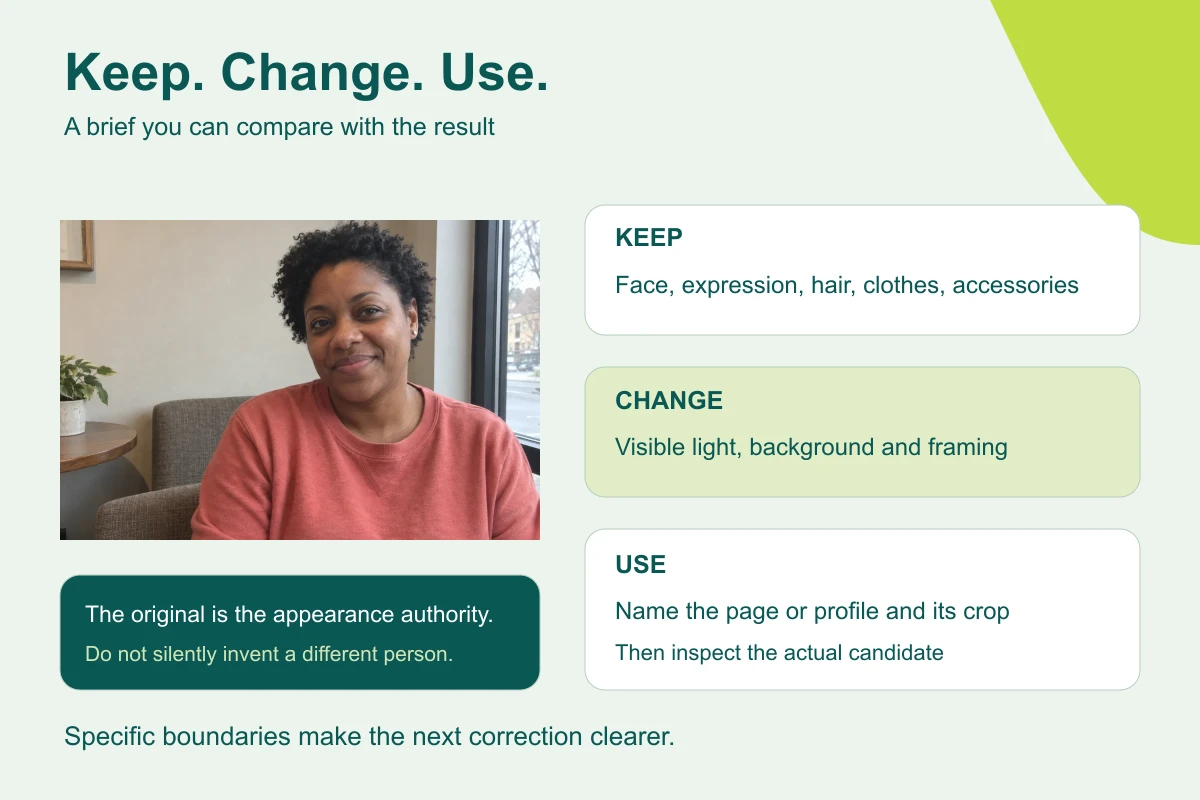
Before you edit a portrait, list what the photo shows, write a keep / change / frame brief, and check the result against the photo in two passes.
Brief a portrait edit for your own About page, then check the likeness and real page layout.
Ask ChatGPT for a restrained photo edit, compare the face with the original and preview the profile crop before you use it.
Write a shared portrait brief, try it on one photo with the person’s agreement, and pilot it on a few before editing the whole team.
With your permission, Google Analytics uses cookies to measure visits and which guides people read. It stays off until you accept. Use Analytics choices in the footer to change your choice. Rejecting after accepting refreshes this page. Privacy details.