Use AI to plan a practical remote headshot session
A better source photo solves problems a longer editing prompt can't. Ask AI for a photo plan that fits the phone, light and help you really have, not a studio you don't.
What you'll make
a short photo plan you can carry out at home with your own equipment, plus a check to run before you finish.
What you'll need
the phone or camera you already use, a rough description of your light, support and space, any practical posture preference, and about 15 minutes. Any of ChatGPT, Claude, Copilot or Gemini can write the plan in a normal chat. There’s no need to share a health reason when “I prefer to sit” is enough.
Example result.
Kai — seated, phone on stand, window to the left
1. Sit side-on to the window, then turn your face towards it.
2. Set the stand so the lens is level with your eyes, about an arm's length away.
3. Use the 3-second timer; take 8 frames, relaxing your shoulders between each.
4. Before you stop: zoom to 100% on two frames and check both eyes are sharp and your hair isn't cut off.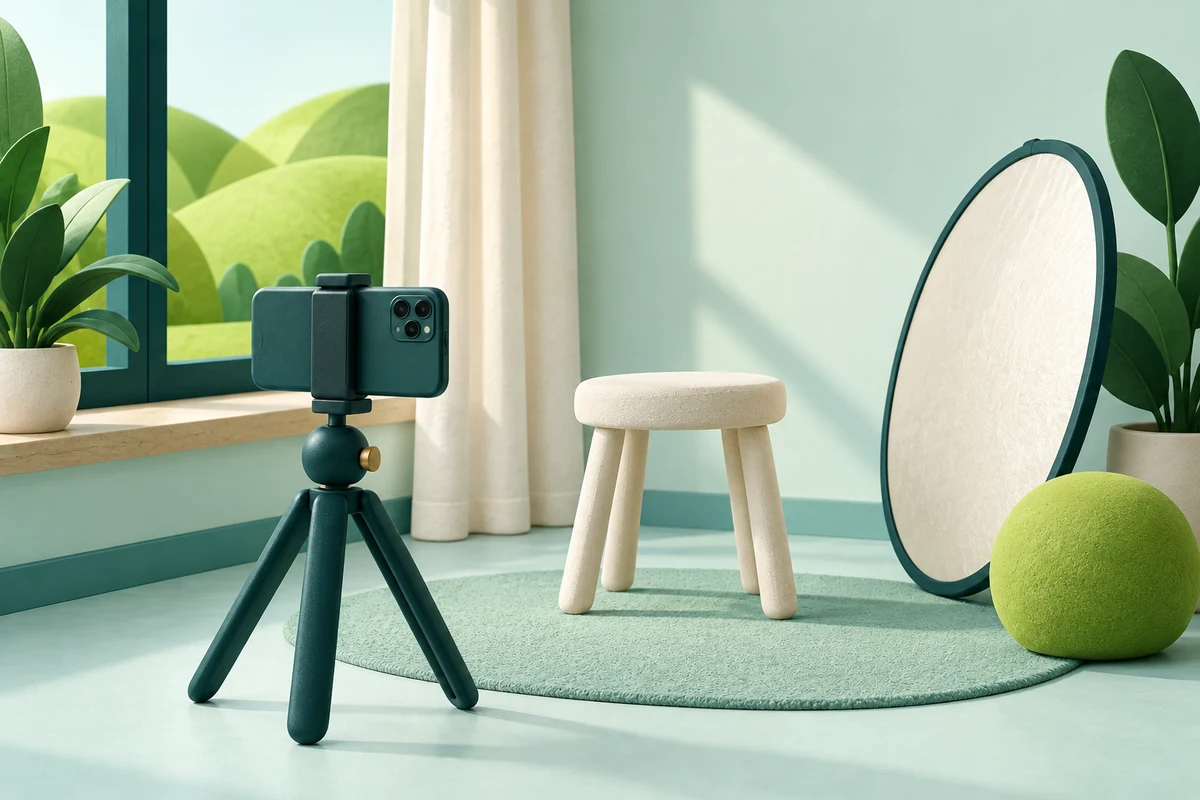
1. List what you actually have
Write down, in a few words each: the phone or camera, whether you have a helper or a timer, what will hold the phone steady, where the light comes from and how much space you have. Add a posture preference if you have one.
A head-and-shoulders photo needs much less setup than a full-length portrait, so say which you need.
Why this works: the plan can only be as practical as the facts it starts from. A missing fact is where the AI fills in a tripod.
What you should see: four or five short facts, such as “phone, no helper, no stand, east-facing window, small bedroom”.
2. Ask for a plan that fits
Plan a short headshot photo session using only these facts:
[equipment], [help or timer], [light and space], [posture preference].
I need a current head-and-shoulders photo with complete hair, both eyes
visible, my usual clothes and no beauty filter. Give a short numbered
plan and one check to do before I finish. Do not invent equipment,
recommend purchases, infer health needs or promise that AI can recover
missing face detail later. If light or stable support is unknown, ask
me one question instead of guessing.
[equipment] is the phone or camera; [help or timer] is a helper or the phone’s timer; [light and space] is the window or shade and the room; [posture preference] is seated, standing or none.
Why this works: the prompt names what a usable source photo needs (eyes, hair, clothes, no filter) and bans the usual shortcuts.
What you should see: four to six steps you could do in ten minutes, or one focused question if a fact was missing.
3. Check the plan, then take the photos
Read each step against your facts. Does it need a helper you don’t have? Has a seated preference become a standing pose? Did it quietly assume a tripod?
Then follow the plan. Take a handful of frames and open two of them at full size before you finish. Check focus, both eyes, hair clearance, glare on glasses and whether your clothes are fully in frame. A tiny preview hides blur.
If a photo still isn’t usable, ask what to improve before the next one.
Why this works: checking at full size while you’re still set up costs a minute. Finding the blur after the edit costs the whole session.
What you should see: at least one sharp, evenly lit frame with both eyes and all of your hair visible.
Check the result
- Every step uses only equipment and help you listed.
- Your posture preference is kept throughout.
- The plan ends with a full-size check, not “you’re done”.
- Unknowns (light, support) come back as a question, not a guess.
The usual failure: the plan assumes something you don’t have, most often a tripod, a helper or a ring light. Spot it by underlining every object in the plan and ticking it against your list.
Your plan assumes [equipment or action], but I said [my fact].
Revise the steps using only my listed equipment and space. Keep the
photo checks, offer a workable alternative, and ask about anything
still unknown rather than guessing.
[equipment or action] is the line that doesn’t fit; [my fact] is what you told it.
Worked example: three people, three setups
Fictional example. Three colleagues need new profile photos before a team page goes live.
Riley: phone, a helper available, large window in the living room.
Kai:   phone and a small stand, prefers to sit, window light from the left.
Sage:  phone, no helper, no stand. Location not described.
Riley’s plan:
- Stand facing the window, about a metre back from it.
- Your helper holds the phone at your eye height, at arm’s length.
- Take 10 frames; look at the lens, then just past it.
- Swap places and check: zoom to 100% on two frames.
- If one eye is darker, turn slightly towards the window and take five more.
Sage’s first plan opened with: “Set your phone on a tripod at eye level.”
- The failure. Sage has no stand and said so. The plan also guessed at the light when the location wasn’t described.
- The repair. The repair prompt, with “tripod” and “no stand”, gave: “Prop the phone on a stack of books on a table so the lens is level with your eyes, and use the 3-second timer. Which window or outdoor shade can you use?”
- Why each plan differs. Kai’s plan (in the example result) keeps the seated setup; Riley’s uses the helper. Same checks at the end, different routes there.
Task kit for this job: Download (ZIP) · Reusable instructions
Go deeper
Share a team photo brief without making everyone look the same
Reuse the photo requirements and file naming across the team, but let each person use their own setup and natural expression. Each person needs a current, readable source photo, not the same corporate pose produced by the same recipe.
Ask for observations, not a diagnosis
“The reflection on the glasses hides the near eye” is a visible photo issue. A guess about tiredness, health or confidence isn’t needed to improve the picture. Keep AI feedback about the image and the job.
Move on to the edit
With a usable original, try a neutral studio headshot or preview it in the small profile circle people will see. Keep the original as the reference for how you look through every lighting, background and export change, and record the person’s sign-off with the approval sheet.